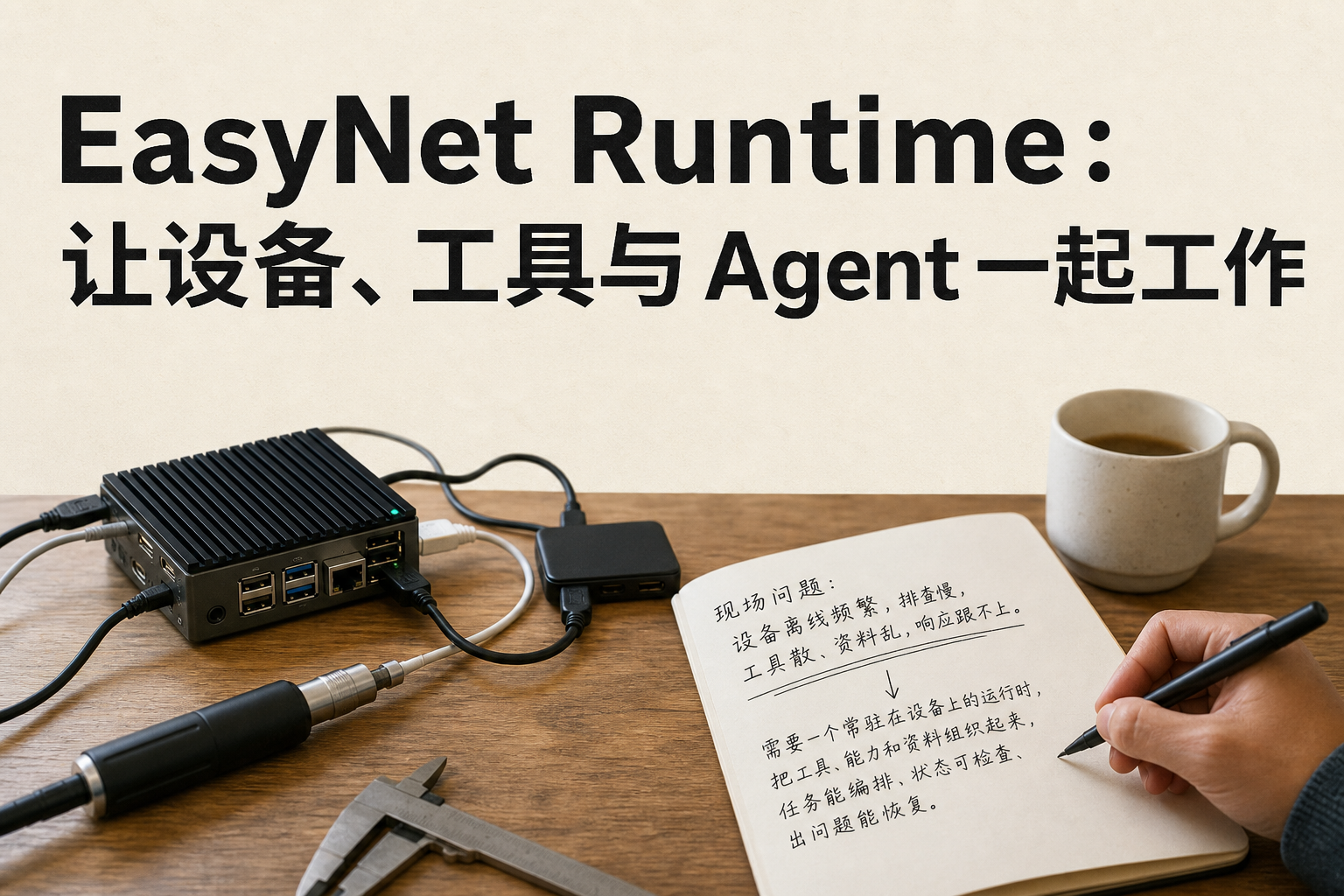

You’re organizing experimental materials on your laptop, your lab workstation handles computations, and Codex helps you read results and revise scripts. Whether a task can proceed smoothly depends on several concrete questions: is the target device reachable, where is the material stored, which result should be awaited next, and did the previous call actually complete. EasyNet Runtime puts these preparation steps into resident services on the devices, so a single connection can service subsequent command-line operations, AI tool invocations, and multi-step tasks.
Although the repository is named EasyNet-Cli, the core is the Rust-written easynet-daemon. The easynet command handles login, device joining, startup, querying, and task management; the daemon holds the device-side runtime state, organizing capability directories, authentication, and invocation routing. The device mode connects to the Hub via outbound sessions, while the local client uses a local socket. Therefore, a machine inside the lab’s internal network can join the collaboration network without exposing public ports for each device. Actual execution is handled by the corresponding Provider, with the Runtime ensuring tasks are sent to the authorized target.
This entry point can also support everyday desktop work. Context actively maps project directories, clipboard entries, and device-collected records into selectable material; terminal capabilities provide interactive sessions, with the current production supervisor channel requiring Unix systems, appropriate auxiliary programs, and permissions to start shells; browser input, page snapshots, and viewport captures require building and loading a browser plugin and a launchable Chrome/Chromium. If tasks involve capturing from device screens, cameras, or microphones, native media builds, available hardware, and corresponding system permissions are also needed. Users can first locate the required materials, then have the Agent invoke the appropriate tools, and finally consolidate repetitive operations into an EAL program. For example, expressing “data extraction, cleaning, and writing to a report” as step with input-output relationships means subsequent runs won’t rely on a chat history to reconstruct the sequence.
MCP connects this runtime with existing AI clients: on one side, it projects the daemon’s capabilities as tool descriptions for Codex or Claude Code; on the other side, it integrates the external MCP service’s tool-access capabilities into the capability directory. Tool parameter descriptions, ownership, and call paths can all enter this chain, enabling the Agent to choose actions based on the actual directory and to pass the obtained materials to subsequent steps.
The most important design decision here is to make “the ability to continue working” an observable fact. Account login, device membership, Runtime connectivity, and specific call results are recorded separately: a successful login but a failed join state can be preserved to resume later; a directory with tools still yields results through access control and actual execution. It’s suitable for gradually connecting personal devices, research scripts, and Agent workflows, and it makes fault localization part of the workflow.
No comments yet